 recordly
Record your screen. Ship a demo that already looks designed.
recordly-ai is an open-source screen recorder and editor for walkthroughs, demos, and product videos. Auto-zooms suggested from cursor activity, smoothed cursor motion, and a styled frame — wallpaper, gradient, blur, padding, shadow — all live in the same timeline. PixiJS renders the exact scene you see in preview into your exported MP4 or GIF.
Notarized Mac build coming soon.
Straight from the README — move your cursor over the preview above.
 Hover to play
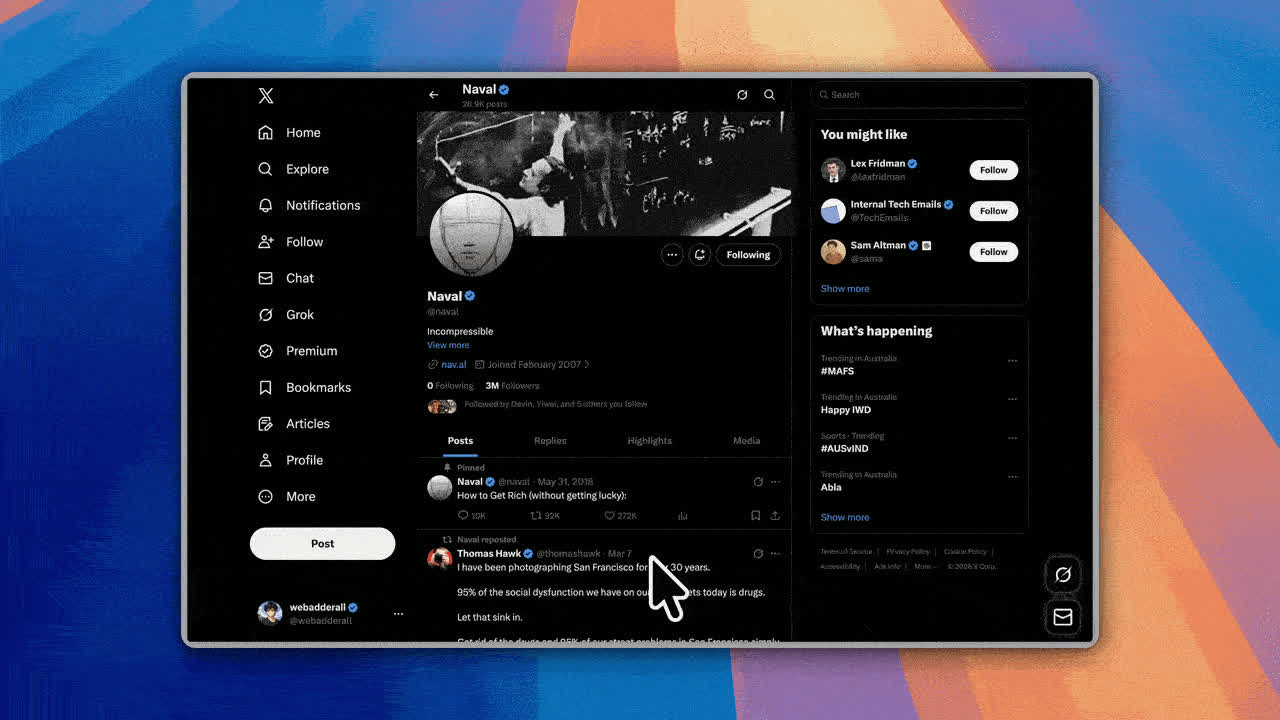
Auto-zoom + cursor polish
Zoom regions suggested from cursor activity, with smoothed motion, motion blur, and click bounce.
 Hover to play
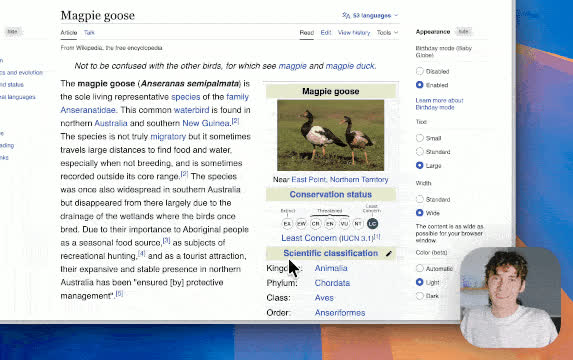
Webcam bubble overlay
Preset positions or custom X/Y, mirrored, with shadow, roundness, and zoom-reactive scaling.
Nobody wants a design queue just for a zoom.
A screen recording that just plays back verbatim reads as a rough draft — flat cursor movement, a plain rectangle, nothing emphasized. The usual fix means exporting the clip, writing a brief, and waiting on someone else's queue just to get zooms, cursor polish, and a frame applied.
Record
Full display or a single window, with microphone and system audio.
Auto-zoom suggested
recordly-ai reads cursor activity and proposes zoom regions on the timeline — accept, adjust, or draw your own.
Cursor polish + frame
Smoothing, motion blur, click bounce, sway, and a styled background — wallpaper, gradient, blur, padding, shadow.
Export, not a round-trip
The same scene that renders your live preview exports straight to MP4 or GIF.
2–3 days with a freelancer. About 10 minutes alone.
Sending footage out for zooms and a styled frame means a brief, a turnaround, and a review cycle. recordly-ai puts the same motion-design tools directly in the timeline you're already editing on.
Built-in motion design, not a raw recording.
Auto-zooms, cursor polish, and webcam overlays are tools in the same timeline — not something you bolt on after.
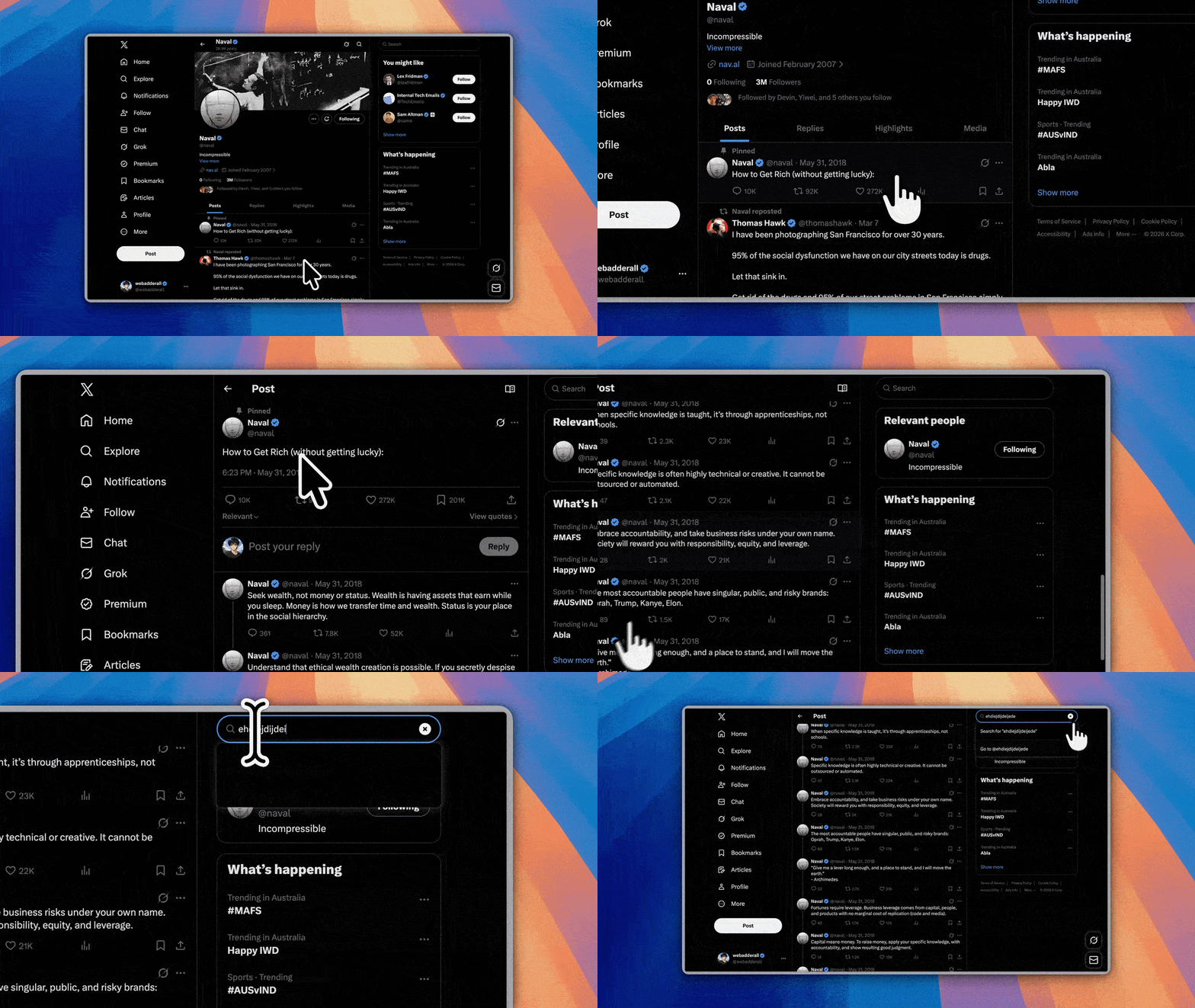
Zoom suggestions read your cursor, not the other way around.
recordly-ai watches cursor activity while you record and proposes zoom regions automatically — accept them, nudge the timing, or draw your own. Cursor motion itself gets the same care.
- Automatic zoom suggestions from cursor activity
- Cursor smoothing for natural, non-jittery movement
- Motion blur and click-bounce on clicks
- Cursor sway, plus a loop mode built for seamless GIF loops
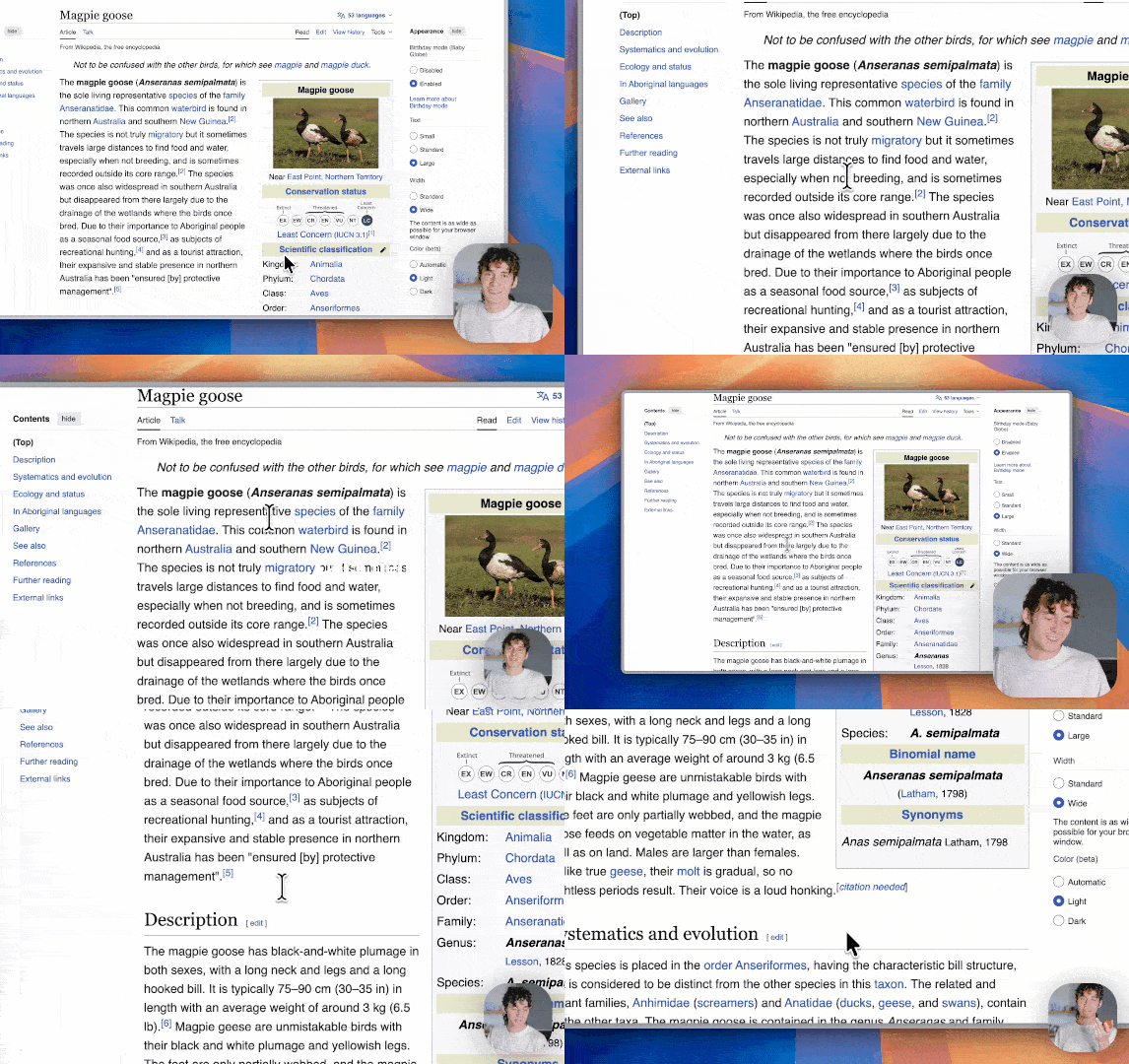
A webcam bubble that behaves like it belongs in the frame.
Add your webcam as an overlay bubble without babysitting it during editing — position it once and it holds up through every zoom and trim.
- Preset positions or custom X/Y placement
- Mirror, margin, and roundness controls
- Adjustable drop shadow
- Optional zoom-reactive scaling so the bubble stays balanced during motion
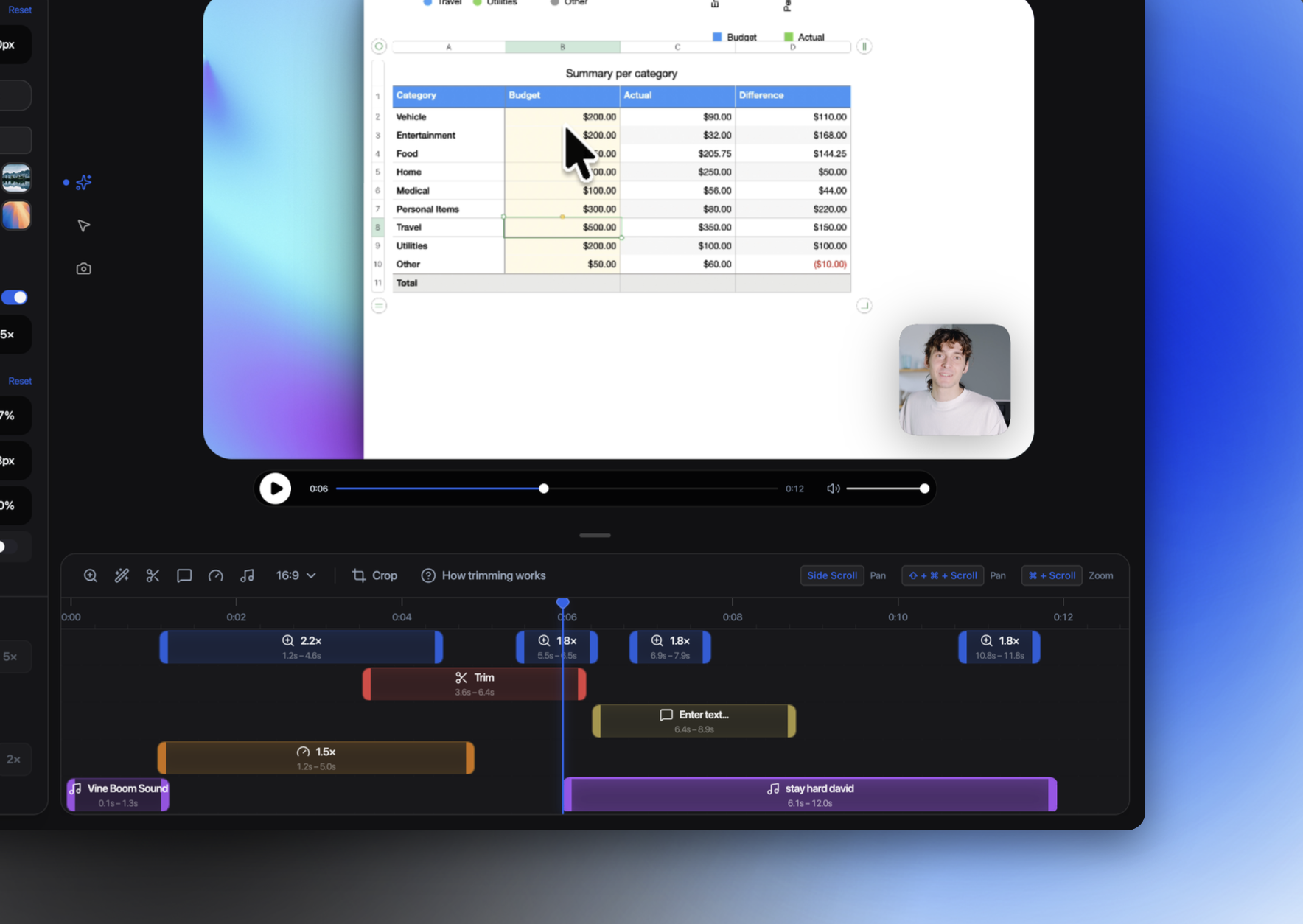
Styled frames
Wallpapers, gradients, blur, padding, rounded corners, shadow, and aspect-ratio presets for the final frame.
Record display or window
Full display or a single app window, mic and system audio, with native capture backends per platform.
MP4 and GIF export
Quality, GIF frame rate, loop toggle, and size presets — exported straight from the same preview scene.
Timeline & projects
Drag-and-drop trims, speed regions, and annotations; save and reopen work as a .recordlyai project file.
Extensions marketplace
A community extension system for cursor sounds, device frames, wallpapers, and more. See what's available →
Runs everywhere
macOS 14+, Windows 10 (Build 19041+), and Linux. Platform notes →
Three ways in — Claude does the demo work.
Point it at your app, record in the HUD, or drop in a clip you already have. recordly-ai's AI turns each one into a finished, polished demo.
🚀 Auto Demo
Starts from a GitHub repo + live URL
Claude reads your app, crawls it, writes the script, and records itself driving the app — a full walkthrough with zero manual capture.
🪄 Auto Zoom
Starts from a recording you make in the HUD
Claude vision adds cursor-anchored zooms, narration, captions, and cuts — automatically, right where the action is.
⬆️ Upload Demo
Starts from an existing video file
The same AI polish on footage you already have — evenly-timed (no telemetry needed), with the source audio replaced.
Extensions add capabilities without touching core.
recordly-ai ships with a community-driven extension system. Anyone can build and publish one — browse what's already out there at marketplace.recordly.dev.
The marketplace is separate from the core app on purpose — a new cursor sound, device frame, or wallpaper ships without waiting on a recordly-ai release. Install what you want, skip what you don't.
Cursor click sounds, device frames, browser mockups, wallpapers, render hooks, settings panels, and more. What an extension can add, per the extension docs
macOS, Windows, and Linux — native capture where it exists.
recordly-ai picks the best capture path per platform automatically, and says plainly where a platform's OS support falls short.
macOS
Native ScreenCaptureKit-based helpers handle recording, mic, and system audio — the OS excludes the real cursor cleanly.
Windows
A native Windows Graphics Capture (WGC) helper and native WASAPI audio on supported builds. Older builds fall back to Electron capture, where the real cursor can stay visible.
Linux
Recording goes through Electron's capture APIs. System audio generally needs PipeWire, and cursor-hiding isn't supported yet.
Get your next demo looking finished.
Free, open source, and cross-platform.
Notarized Mac build coming soon.
Try Recordly at recordly.dev, or grab a build for any platform from GitHub Releases — the full source is right there to build yourself too.